Creating Consistent interfaces with Atomic Design
We’re not designing pages, we’re designing systems of components.
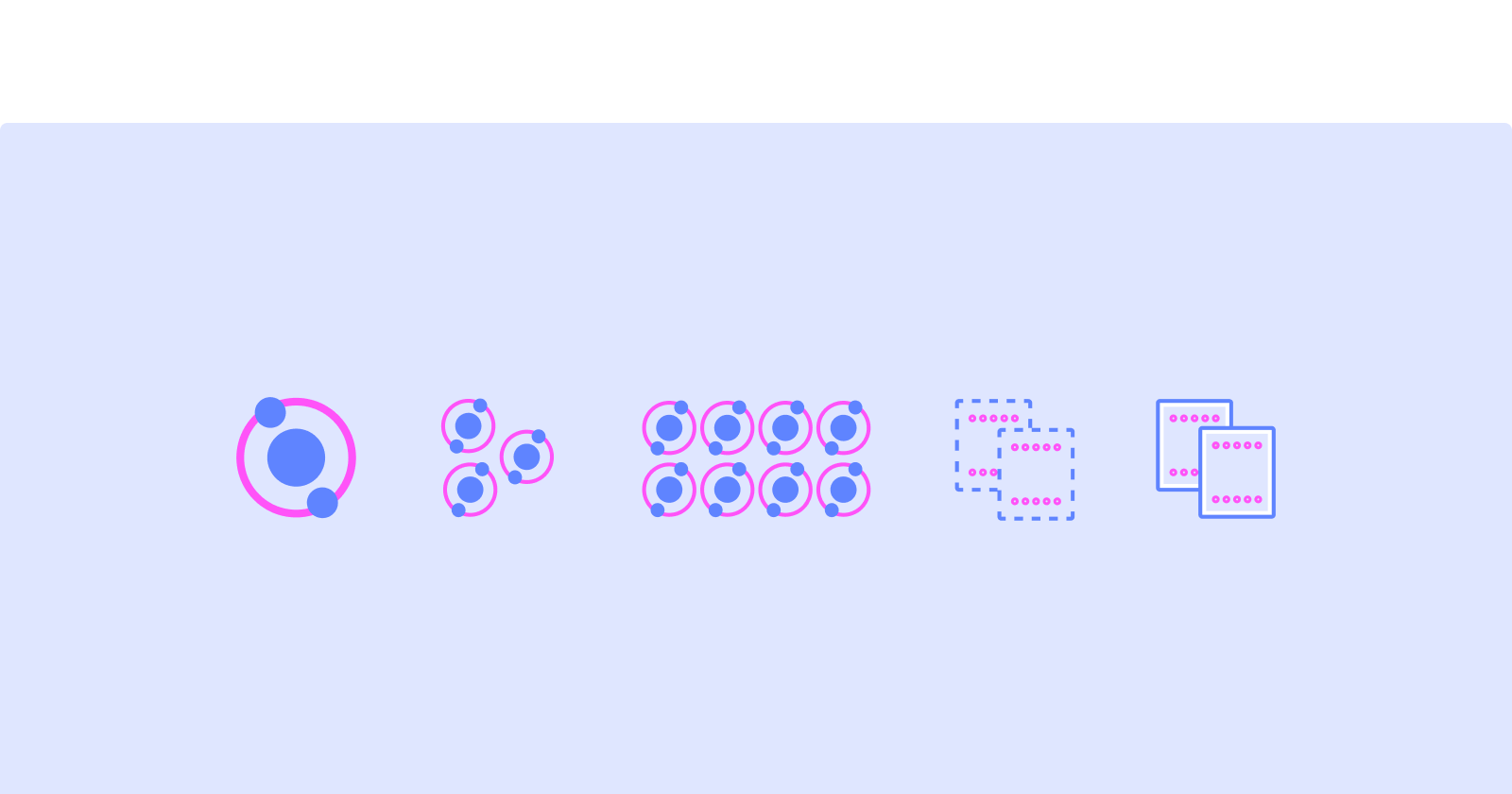
Atomic Design in a Nutshell
Atomic Design is a methodology that helps to create consistent, scalable, and maintainable web design systems by breaking them down into their smallest components (atoms) and then building them back up again. It was introduced by Brad Frost in 2013 as a way to help designers and developers better manage the complexities of modern web design.
Why is it called Atomic Design?
This methodology is called Atomic Design because its very idea is founded in that of Chemistry, and the study of the composition of matter. The universe is made up of a fixed set of ‘atomic elements’ – known to many of us as the periodic table of elements. These elements are the building blocks of everything around us.
In Chemistry, these atomic elements have fixed properties that define them. Oxygen and Hydrogen on their own are atoms with independent properties. However, when these elements are combined, they create molecules, which take on their own unique characteristics, made up of the atoms they contain. In the case of hydrogen and oxygen, pairing two hydrogen atoms with oxygen creates what we know as the water molecule.
This understanding of how smaller elements, or atoms, can be combined together to create larger objects or molecules, parallels well with the design world, and the many elements we use to construct our designs. Following the atomic design principles provides us with a structure for not only formulating our design but creates the building blocks for constructing our design systems and pattern libraries.
Elements of Atomic Design
The concept of Atomic Design is based on the idea that a design system should be broken down into smaller, more manageable components. These components, or "atoms," can then be combined to create larger components, or "molecules," which in turn can be combined to create even larger components, such as "organisms," "templates," and "pages."
Atoms
Atoms represent the smallest entity in UI elements and they can’t be broken down any further. Think of them as Lego blocks. They serve as the foundational building blocks of your interface. Some examples are colors, icons, fonts, and text.

Molecules
A molecule is a group of atoms working together as a unit to create distinct new properties. They form relatively simple UI elements functioning together as a unit. Some examples are a form label, search input, and buttons.

Organisms
Molecules give us some building blocks to work with, and we can now combine them to form organisms. Organisms are groups of molecules joined together to form a relatively complex, distinct section of an interface. Some examples are navigations, sidebars, forms, and popups.

Templates
Templates are the next level of atomic design; we can think of them as blank pages that express the design’s content structure. They are similar to wireframes.
The purpose of a template is to establish the links between the organisms and other components by arranging them on the page in a certain order, but without using any styles or data.

Pages
Pages are specific instances of templates that demonstrate what the final UI looks like with real representative content in place.

Why use Atomic Design?
Consistency: By using reusable components, designs will have a consistent look and feel across the entire site.
Scalability: Atomic Design makes it easy to add or modify components without tearing down the entire structure.
Maintainability: Atomic Design ensures the design and code stay clean, organized, and easy to update.
Collaboration: With a clear, shared design system, the design team will be on the same page, making it much easier to work together efficiently.
Final Musings: Reflections on Atomic Design
Getting started with atomic design is straightforward. Keeping in mind the idea of building up from small elements to templates and pages, start by mapping out the foundational elements, or atoms, that you will need in your design. How you organize your elements, molecules and organisms is up to you, and will likely vary by project.
So let's jump into the bandwagon of atomic design, shall we? :)
Comments
Join the discussionNo comments yet. Be the first to comment.


